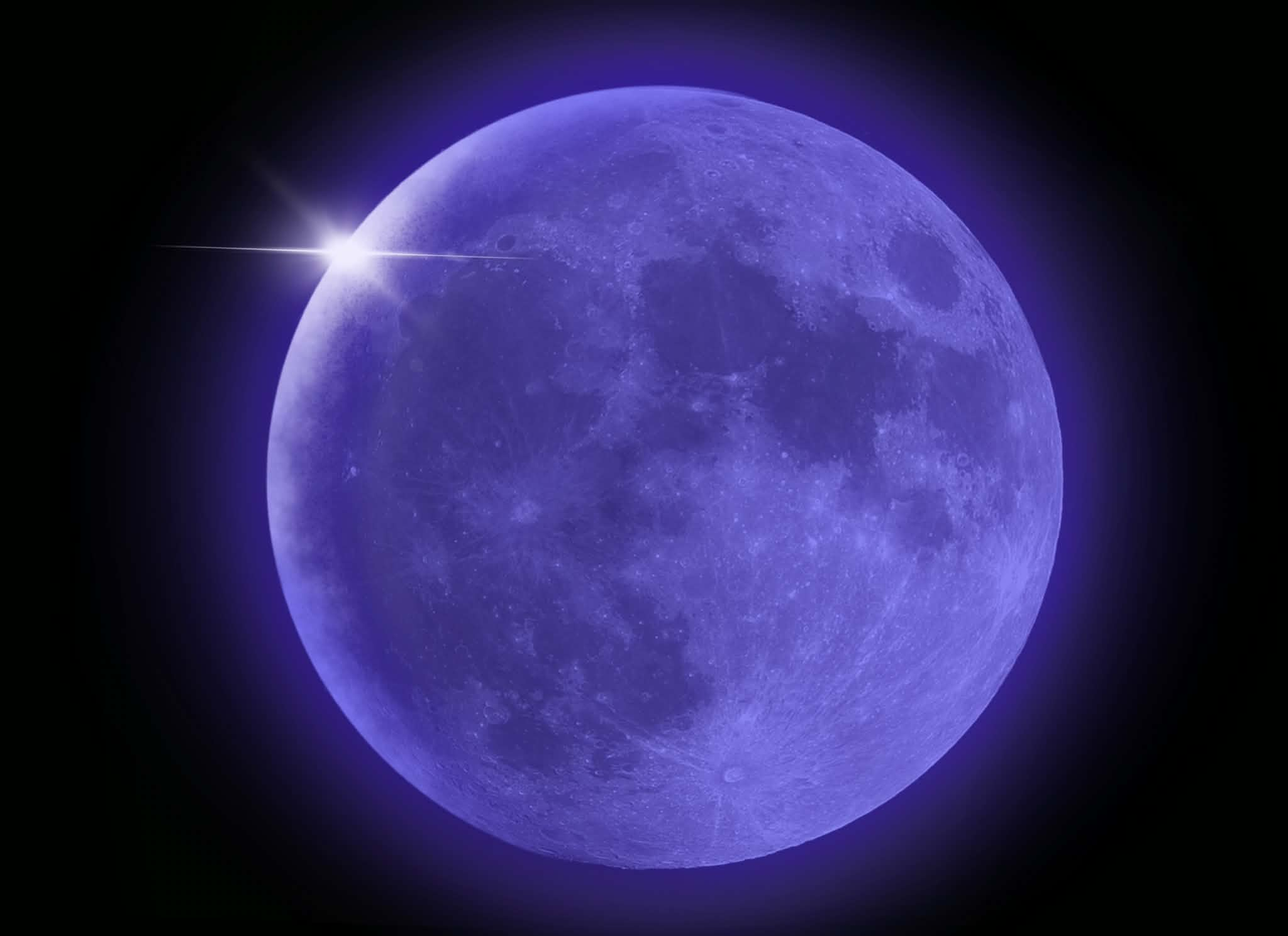
Cycle-accurate core
A clean-room engine validated against real DS behavior, so games run exactly the way they were meant to, boot screens, timing quirks, and all.

EclipseDS is a from-scratch DS emulator built for modern phones, faithful dual-screen play, instant save states, and a clean, console-grade interface.
iOS · Android · Windows · Bring your own game files
Every part of EclipseDS is engineered for mobile: faithful to the original hardware, tuned for battery life, and designed to get out of your way.
A clean-room engine validated against real DS behavior, so games run exactly the way they were meant to, boot screens, timing quirks, and all.
Stack them, set them side by side, or focus a single screen. Layouts adapt automatically to any phone or tablet, in portrait or landscape.
Pause exactly where you are and pick up later, instant save and restore, alongside standard in-game battery saves you can trust.
Full controller support, fully customizable touch controls, and crisp upscaled 3D that sharpens classics without changing how they feel.
EclipseDS is under active development. Here's what's new across recent releases.
Everything you need to know before EclipseDS launches.
It's coming soon to iOS, Android, and Windows. Join the Discord to get notified the moment it launches and to follow development as it happens.
No. EclipseDS does not include or distribute any game files. You supply your own legally-obtained game files, the app simply runs them.
EclipseDS is free to download and free to play, supported by an occasional ad banner. One optional purchase removes the ads, and it carries across every platform you sign in on. Bring your own game files and you're ready to play.
Android 7.0 or later, or Windows, plus your own game files. iOS is on the way. No jailbreak, root, or sideloading workarounds required.
Yes. EclipseDS includes instant save states alongside standard in-game saves, full external controller support, and customizable on-screen touch controls.
EclipseDS is built on a clean-room engine validated against real Nintendo DS hardware behavior, so games run faithfully, timing quirks, 3D rendering, and all.
Set up your free EclipseDS account now and you'll be ready the moment we launch, your saves and settings, synced across iOS, Android, and Windows.
Create your account with Google, Discord, X, or email, it takes a few seconds, and your saves sync everywhere.
Already have an account? Sign in
EclipseDS is coming soon to iOS, Android, and Windows. Load your game files and step back into the dual-screen era.